VR interactive design
Only 7+-2 chunks of information can be remembered at a time so users shouldn’t need to remember more than 9 controls in order to make the software more accessible to new users.
Actions needed for controls should be kept as close as possible to real life movement to allow users to pick up how to use the software quickly and easily.
User Feedback
VR can provide feedback in different ways. Most obvious being visual with the graphics it displays and audio with sound effects or instructions but feedback can also be given through physical sensation using haptic vests.
VR software should allow the users to make mistakes so they are able to learn how to use it faster.
VR experiences need a clear start and end and should be built on the users knowledge of the existing world.
The user interface (UI) should be accessible but not distracting and in the middle third of the users vision at a distance of 1.3-3.0m from the user to be easiest to see. UI can be made to be immersive by making it part of an object within the VR experience or it can be clearly separate like traditional UI.
GravitySketch
GravitySketch allows for quick, collaborative 3D modelling in VR. It is mostly used for product design.
I started by experimenting with the different brushes and shapes struggled to get a hold of the controls to begin with but understood after using them for a bit.
Then for our group diorama we decided to make a house. After other group members made the house and road and sun in white I changed the brush colour and made green grass and trees and added some blue sky, clouds and added yellow on top of the sun.
GravitySketch Reflection
It took me a little bit to get used to the controls as not all of it was intuitive for example scaling the large shapes like spheres using both hands and then having to press a button to place it was confusing.
ShapesXR
ShapesXR is mostly used for interior design and prototyping environments for games. It allows collaboration on PC and VR headset at the same time.
I logged onto the web version so we could interact with VR scene as a member of the group was in it, unfortunately this led to a bunch of trucks being added on top of me and limiting my vision because it doesn’t show the location of the headset user in the scene.
After Megan added a person and a chair I added another person but I didn’t know how to change the scale in VR so the one I added was giant. I also attempted to change the colour of the plants in the scene and had some issues. Since I struggled with the pre-built assets I drew some purple lines into the scene before passing the headset to the next person.
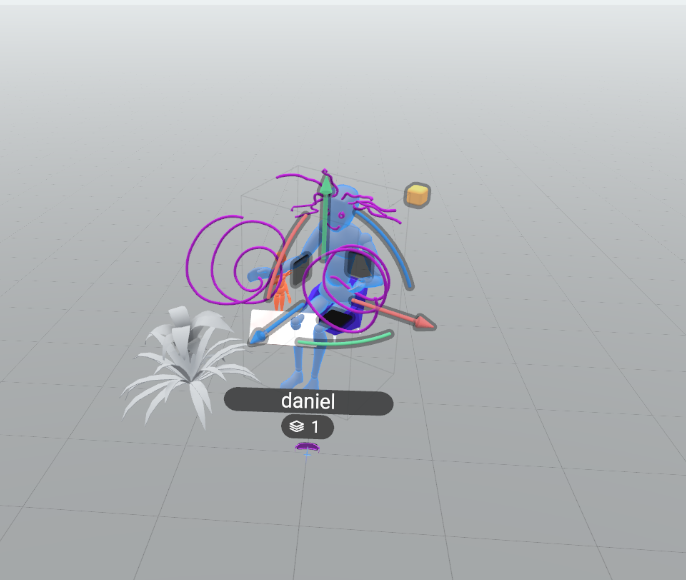
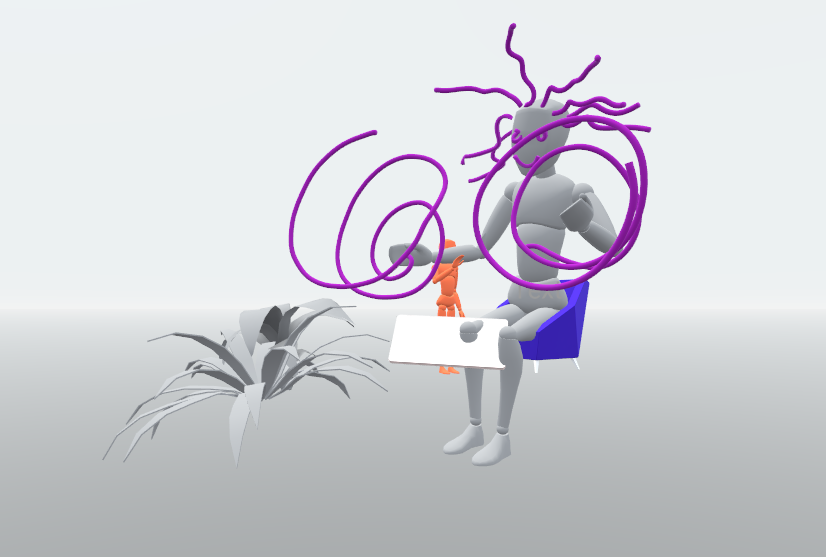
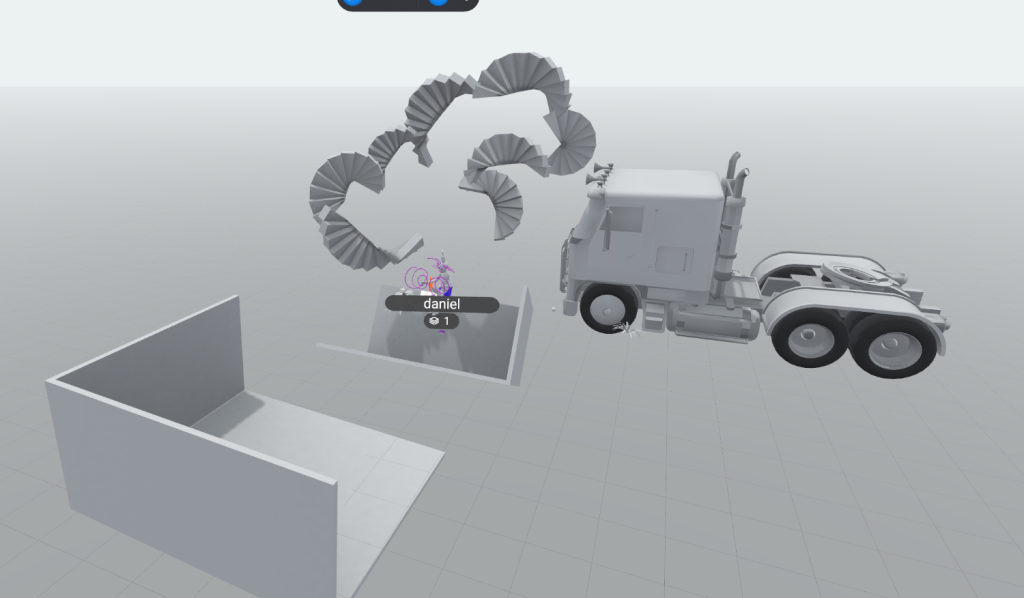
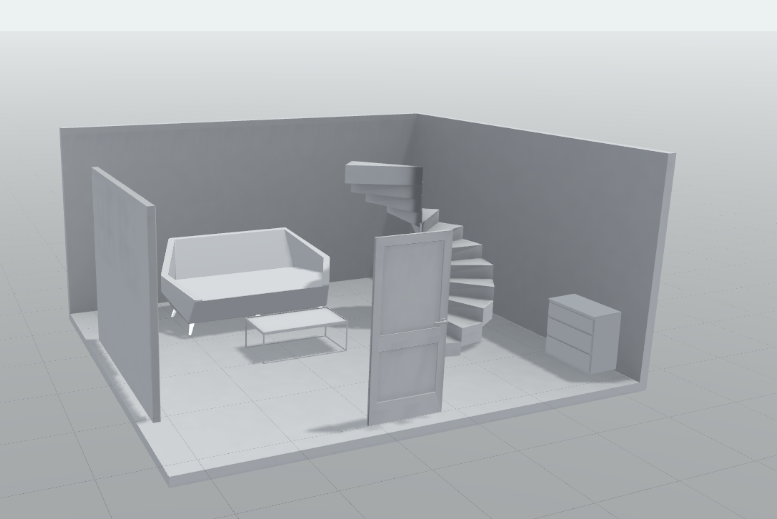
We then decided to continue building houses and made this.
Open Brush
Open Brush is a 3D painting software that allows you to paint in a large environment with a number of different brushes.
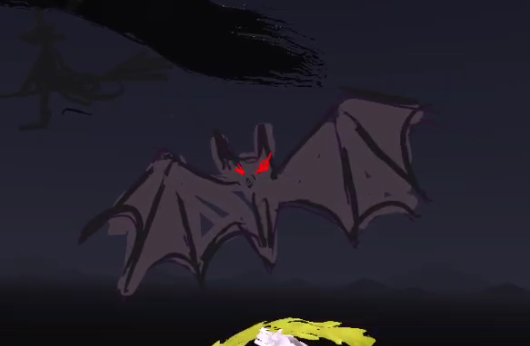
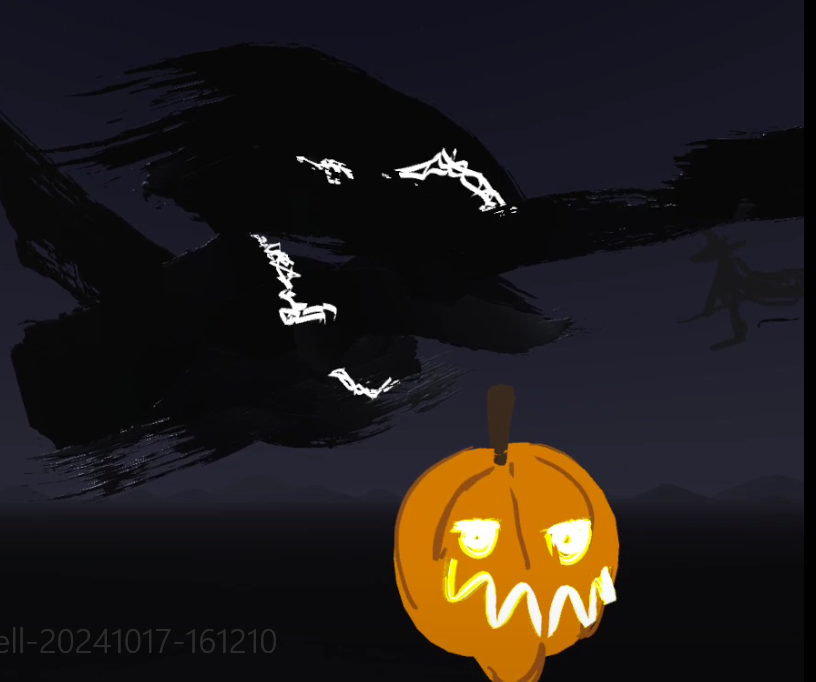
This time we decided to do a halloween themed piece and add our own additions to the scene. Megan started by making a pumpkin, I added a bat and some black clouds so I could test the electricity brush that interested me. I also added a silhouette of a witch.
Adobe Aero
Location based AR software.
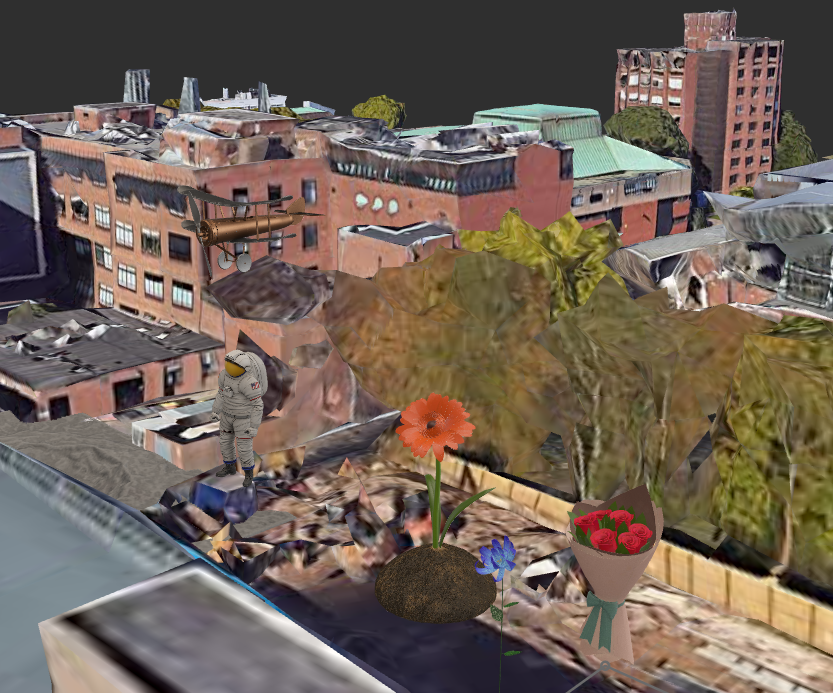
I added some flowers and an astronaut and plane in and around the DAIM building using the pre-existing models in the software.