What makes an effective VR story?
An effective VR story needs things that guide the viewer to look at the right things for example an animated orb to follow or lighting and sound cues.
Human centred design approach focuses on three aspects: desirability, feasibility and viability -or people, technology, business. The goal is to balance what people want with what is possible to make with current technology and what is worth spending money on for a business.
The Audience and Their Presence
The audiences’ presence is their feeling that they are immersed in the space of the experience with the characters and story.
Impact of Limited Visual Information
In a 360 environment users feel less inclined to study everything around them and recall less details of the story but in environments where they can only see 90 or 180 degrees they pay more attention to small details as they assume it will have more importance. A 360 degree environment gives the user the choice of where to look which, while it may not change the story, allows them agency in which parts of the story they observe or focus on.
1st Person vs 3rd Person Perspective
Third person perspective places the viewer as an outsider of an experience whereas first person asks them to act as if it is happening to them. The distance created by a third person perspective can make the viewer less invested in the story but first person isn’t without limitations as the user may be given a virtual body which doesn’t follow their movements on untracked body parts.
360 Video
I made a very simple animation in Maya by creating a sphere with an emissive material that would fly around the 360 camera like an orb.
Since it is a 360 video I wanted to guide the viewer to look around by giving them something to follow so they wouldn’t worry about missing things by looking the wrong way.
Then so the background wasn’t overly empty I added more spheres in a blue material and animated them to grow and shrink to look like flickering stars.
Mash Networks
I created this MASH animation using the random colour node, distribute node and replicator node. To make the cube grow and shrink I created an area of effect and adjusted the distribute fall off so as it pans across the shape it makes it form a cube and then go back to normal.
In order to get the MASH colour to show in the Arnold renderer I had to create materials and connect them to the value representing the random colour.
Frame VR
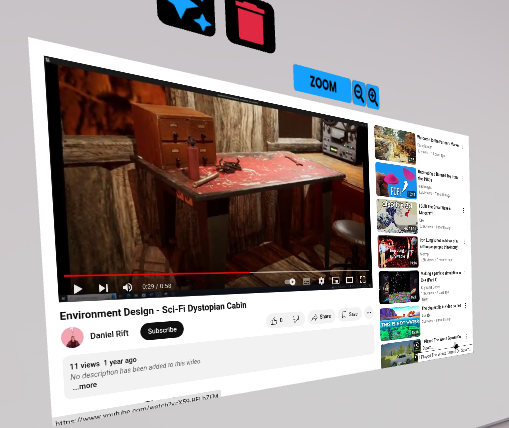
I started in Frame by experimenting and seeing what could be added to the walls. There is a limit on how many web browsers can be added so I could only add one of my show reels.
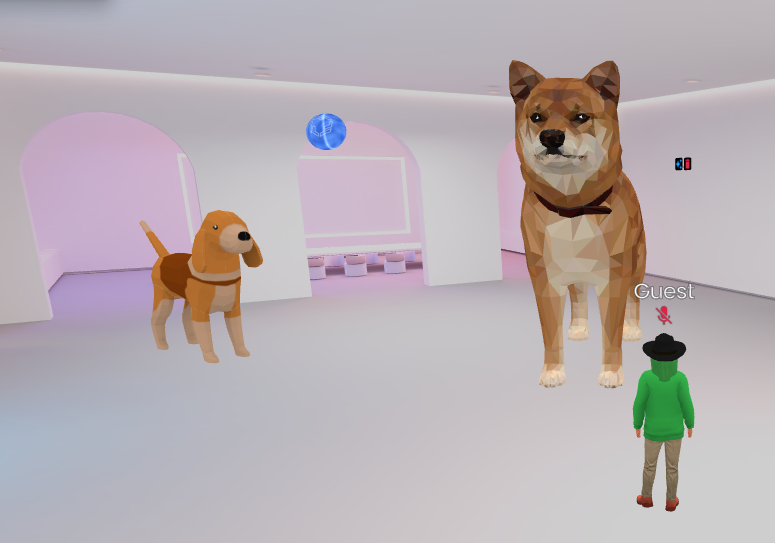
I then added some 3D models from frame just to see how adding models to the space would look.
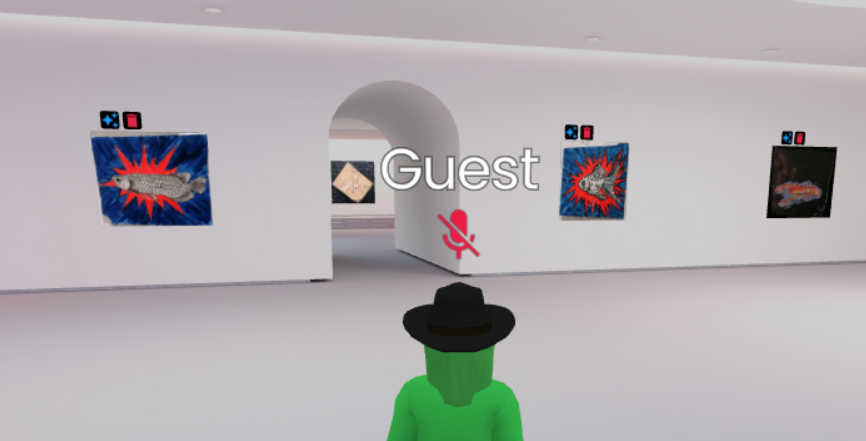
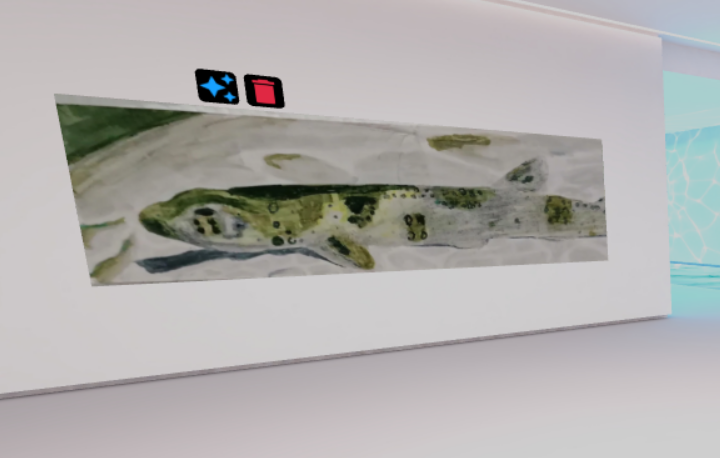
Then I created a portfolio gallery using pictures of my traditional art.
https://framevr.io/portfoliogallery
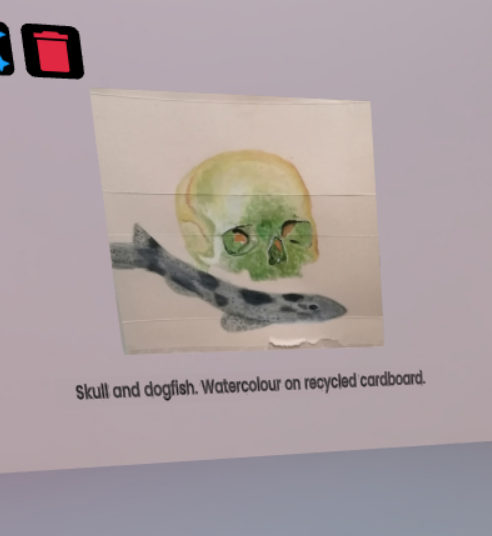
What is good about using frameVR?
Being able to upload art into a virtual gallery makes a really interesting way to display and present portfolios.
The movement controls are very restrictive as you can only move forwards or backwards depending on which way you are facing. Using traditional WASD controls would be much more intuitive. I also found that when trying to look at things closer the avatar I was using blocked my view so an option to view from first person perspective or to turn change the avatar visibility would be useful.
I would like FrameVR better if I could scale images past the default height that is set as the taller pieces of art I uploaded were much smaller than the wider ones as it obviously has a default height set that all images must be.
There is also a paywall that means only one web browser window can be added on the walls and if I was creating a portfolio using my show reels I would want to have all of them displayed.
I was inspired by FrameVR to create a VR portfolio in a different form.
It gave me the idea of creating a portfolio that looks like a studio/desk with a sketchbook or zine on it displaying work. So that the viewer can interact with the book and flip through it to look at different pieces of work.